


Xubuntu: The Perfect Balance Between Speed and Usability (2026 Guide)
lightweight Linux distribution – If your computer feels slow, bloated, or outdated, switching your operating system can make a dramatic difference. One of the most popular solutions for this purpose is a lightweight Linux distribution like Xubuntu.
Xubuntu combines the well-known reliability of Ubuntu with a lightning-fast and minimalist desktop environment. This makes it the perfect choice for both older hardware and users who want maximum performance.
In this Xubuntu 2026 guide, you will learn what Xubuntu is, why it performs so well, and whether it is the right choice for you.
What Is Xubuntu?
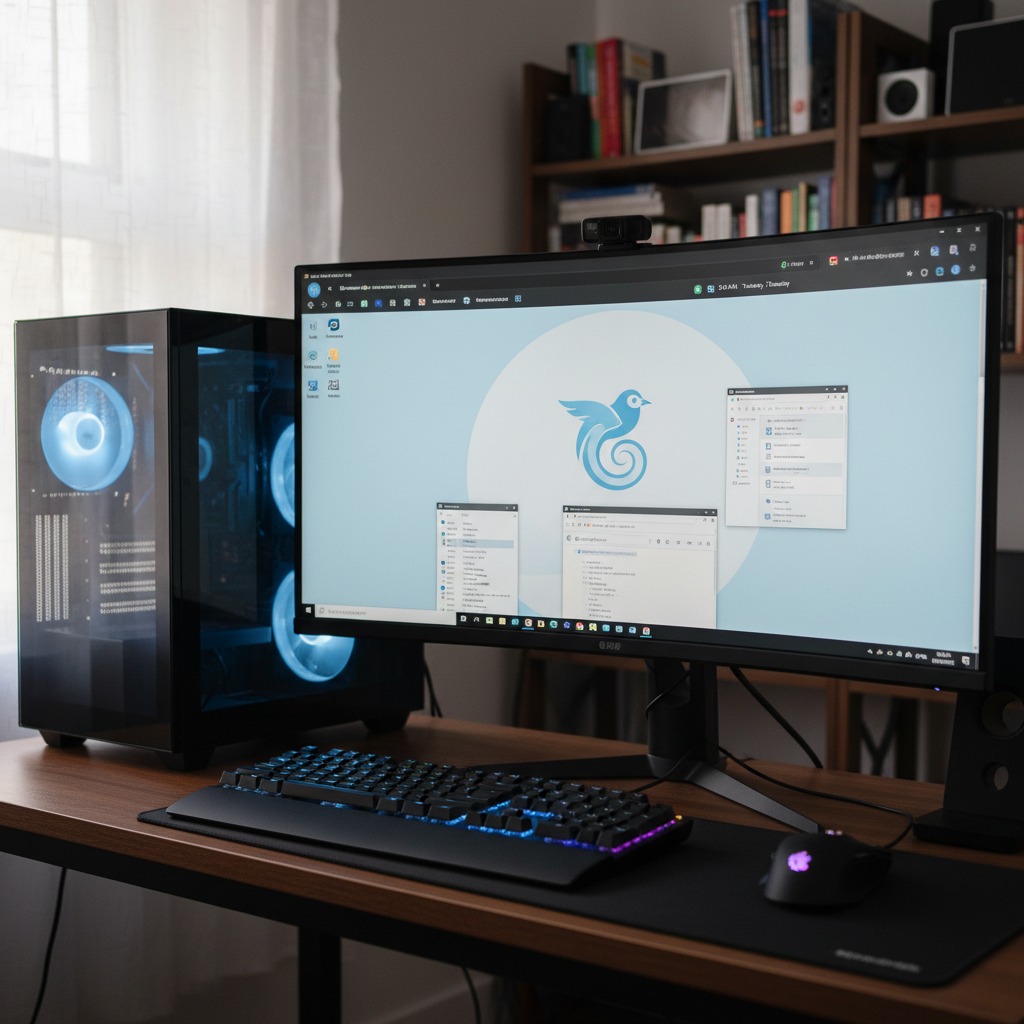
Xubuntu is an official “flavor” of Ubuntu. This means it is built on the exact same stable core and software repositories as standard Ubuntu, but features a different visual interface.
Instead of the heavier GNOME interface, Xubuntu comes with the popular Xfce desktop environment, which is designed to be:
- Lightweight – Consumes minimal system resources.
- Fast – Lightning-fast responsiveness and boot times.
- Stable – Minimal risk of system crashes.
- Highly configurable – Can be customized infinitely.
This results in an operating system that revives old hardware without compromising on functionality.
Why Choose Xubuntu? (Key Benefits)
Many users choose Xubuntu because they want maximum computer performance without unnecessary complexity. Here are the biggest benefits:
1. Low Resource Usage
Xubuntu is optimized to run flawlessly on older machines. The system works impeccably on:
- 2 GB of RAM or more.
- Older or less powerful processors (low-end CPUs).
- Limited storage space.
This makes it the ultimate solution if you want to revive old laptop hardware or give your old desktop a second life.
2. Stability and Reliability
Since the system is based on Ubuntu, you get full access to a massive ecosystem. You are guaranteed regular security updates, long-term stability, and broad software compatibility for both personal and professional use.
3. Fast and Responsive System
Thanks to the lightweight Xfce desktop environment, your computer feels significantly faster. You will experience quicker boot times and a much smoother experience when multitasking. Even modern hardware runs noticeably faster when freed from unnecessary system overhead.
4. Full Customization Options
Xfce gives you complete control over your workflow. You can easily move panels, change themes, customize icons, and tailor your Linux desktop exactly the way you want it.
Xubuntu System Requirements
While Xubuntu is famous for its low requirements, you will always get a better experience with stronger hardware. Here are the specifications:
Minimum Requirements:
- Processor: 1 GHz or higher
- RAM: 1–2 GB
- Storage: 20 GB of free space
Recommended Requirements:
- Processor: 2+ GHz dual-core processor
- RAM: 4 GB of RAM or more
- Storage: SSD storage (for the absolute fastest experience)
How to Install Xubuntu (Step-by-Step)
It is surprisingly easy to install Xubuntu. Just follow these three simple steps:
- Download Xubuntu ISO: Download the latest official ISO file directly from the Xubuntu website.
- Create a Bootable USB: Use a free tool like Rufus (for Windows) or BalenaEtcher (cross-platform) to flash the ISO file onto a USB drive.
- Boot and Install: Restart your computer, choose to boot from your USB drive, and follow the user-friendly on-screen installation wizard.
Who Should Use Xubuntu?
Xubuntu is the obvious choice for you if you:
- Want to give new life to an old computer.
- Prefer a clean, fast, and minimalist system.
- Do not need heavy, proprietary software.
- Want a stable and secure open source OS for daily use.
You should consider another system if you rely heavily on advanced PC gaming, specialized Windows software (like the Adobe Suite), or high-end creative tools.
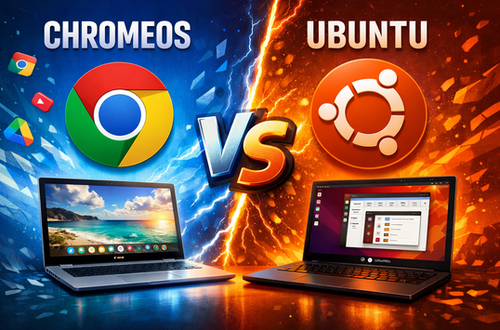
Xubuntu vs Ubuntu (Quick Comparison)
When comparing Xubuntu vs Ubuntu, it primarily comes down to your hardware and personal preference:
| Feature | Xubuntu | Ubuntu |
| Performance | Faster & lightweight | Heavier / Resource-intensive |
| Desktop Environment | Xfce desktop environment | GNOME interface |
| Resource Usage | Very Low | Medium to High |
| Best For | Old hardware & minimalists | Modern PCs & standard users |
Frequently Asked Questions (FAQ)
Is Xubuntu good for older laptops?
Yes, absolutely. Xubuntu is specifically designed as a lightweight Linux distribution, making it perfect to revive old laptop hardware. Thanks to the resource-efficient Xfce desktop environment, the system runs fast and smoothly, even on computers with as little as 1–2 GB of RAM.
What is the difference between Xubuntu vs Ubuntu?
The primary difference lies in the user interface and system resource consumption. While standard Ubuntu uses the heavier GNOME interface, Xubuntu utilizes the minimalist Xfce. This means Xubuntu delivers significantly faster computer performance on older or low-end hardware, even though both operating systems share the exact same underlying core and software repositories.
Can I run Windows programs on Xubuntu?
Xubuntu is an open source Linux operating system and cannot run Windows executable files (.exe) natively. However, you can use compatibility layers like Wine or Bottles to run many Windows applications, or easily find free open-source alternatives in the built-in software center.
How much RAM does Xubuntu need?
Xubuntu can boot and run on as little as 1 GB of RAM, but we recommend at least 2 GB of RAM for smooth web browsing and daily office tasks. For the best multitasking experience and overall performance, meeting the recommended system requirements of 4 GB of RAM or more is ideal.
Is Xubuntu safe to use for daily tasks?
Yes, it is highly secure. Because Xubuntu is an official Ubuntu flavor, it inherits the same robust security architecture. You will receive regular security updates, and the system is inherently highly resistant to viruses and malware, making it a very safe operating system for online banking, remote work, and everyday use.
Conclusion
Xubuntu cements its place in 2026 as one of the absolute best lightweight Linux distributions on the market. It delivers the perfect synergy between speed, stability, and usability.
If you want an uncompromising Linux experience without unnecessary resource consumption, Xubuntu is the right choice. Visit gowithlinux or the Xubuntu startpage to get started today.