


Chromeos-Chromebook in 2026: Still Just a “Browser in a Box”?
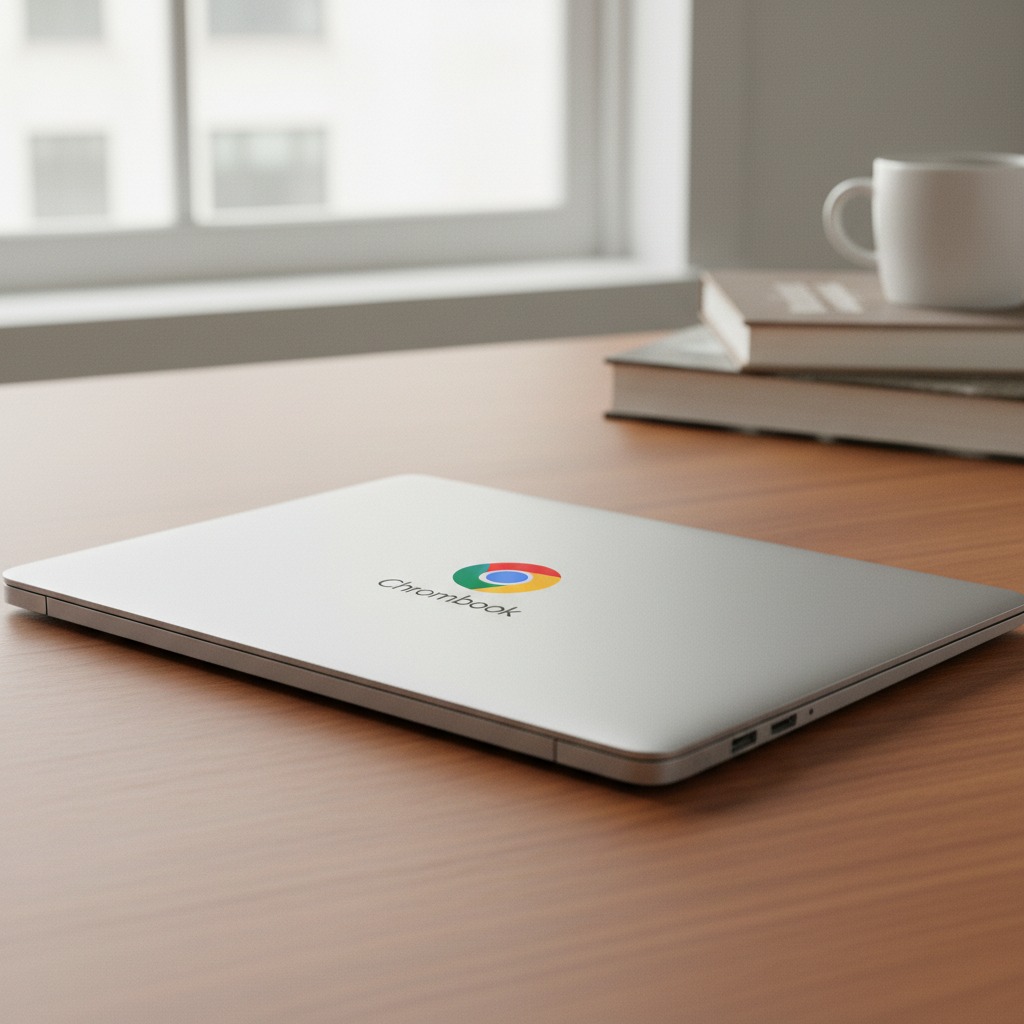
Chromeos-Chromebook. Are you considering swapping your old Windows PC or MacBook for a Chromebook? A few years ago, the answer to the question “What is ChromeOS?” was simple: It’s a browser you can type in.
But today, the landscape has changed. ChromeOS has evolved from a lightweight system for schools into a serious contender for students, professionals, and gamers alike. Here is everything you need to know about Google’s operating system.
What Exactly is Chromeos-Chromebook?
ChromeOS is an operating system developed by Google, built around the Chrome browser. It is renowned for being extremely fast, secure, and user-friendly because most of the heavy lifting happens in the cloud.
The Three Main Advantages of ChromeOS:
- Speed: A Chromebook typically boots up in less than 10 seconds. Since the system isn’t bogged down by heavy background processes, it stays fast—even after years of use.
- Security: You don’t need traditional antivirus software. ChromeOS uses “sandboxing,” meaning if one tab is infected with malware, it cannot spread to the rest of the system.
- Battery Life: Because the software is so lightweight, most Chromebooks easily last a full workday (10-12 hours) on a single charge.
Chromebook Plus: The New Standard
In recent years, Google introduced Chromebook Plus. This isn’t just a marketing name; it’s a certification ensuring the hardware has the muscle for more demanding tasks.
With a Chromebook Plus, you get:
- AI Tools: Built-in Google Gemini integration for writing assistance and image editing.
- Better Hardware: A minimum of 8GB RAM and a fast processor.
- Magic Eraser: Remove unwanted elements from your photos directly in Google Photos.
Apps: Can You Actually Run Anything?
This is where the biggest misconception lies. ChromeOS is no longer limited to just websites. Today, it is a “hybrid system” that supports:
| App Type | Examples |
| Web Apps (PWA) | Google Docs, Microsoft 365, Canva |
| Android Apps | Netflix, Instagram, Disney+ via the Play Store |
| Linux | Professional tools like GIMP or Visual Studio Code |
| Cloud Gaming | NVIDIA GeForce NOW and Xbox Cloud Gaming |
Important Note: While you can run Microsoft 365 (Word, Excel) flawlessly in the browser, you cannot install classic Windows .exe files. If you are deeply dependent on the desktop version of Adobe Premiere Pro or specialized CAD software, ChromeOS might not be for you.
Who Should Buy a Chromebook?
ChromeOS is the perfect choice if you recognize yourself in one of these categories:
- The Student: Ideal for essay writing, research, and easy portability.
- The Remote Worker: If 90% of your work happens in a browser, Slack, or via video meetings.
- Seniors: It is virtually impossible to “break” the software, and updates happen automatically in the background.
- The Cloud Gamer: With a solid internet connection, you can play the latest AAA titles via the cloud without owning an expensive gaming rig.
The Verdict: Is It Worth the Money?
If you are looking for a machine that is affordable, secure, and always ready, Chromeos-Chromebook is hard to beat. You often get significantly better hardware quality (screen, keyboard, and build) for $500 in a Chromebook than you do in a similarly priced Windows laptop.
Are you ready to make the leap into the cloud?
Chromeos-Chromebook in 2026: Where Is the Platform Headed?
The most interesting thing about ChromeOS in 2026 is not what the system is — but what it is becoming. Google is investing heavily in turning ChromeOS into a true alternative to both Windows and macOS, especially through artificial intelligence and deeper cloud integration.
With AI features like Gemini, automated image editing, smart writing suggestions, and context-aware search, ChromeOS is evolving into an “assistive operating system” that actively helps users in their daily work — rather than just responding to commands. At the same time, the boundaries between web, Android, and Linux are becoming increasingly invisible, meaning more professional workflows can now be handled on a single device.
We are also seeing a clear shift toward longer device lifespans. Chromebooks now receive up to 10 years of automatic updates, making them more sustainable and financially attractive compared to many traditional laptops.
No Longer Just “A Browser in a Box”
The question “Is Chromeos-Chromebook just a browser?” no longer really makes sense in 2026. For many users, the browser is the workplace — and ChromeOS is the operating system best designed for that reality. It’s not the right choice for everyone, but for those who live in the cloud, it is often the most logical one.
ChromeOS is not the future of all computers.
But it is undeniably the future for many.